

Black multi-pocket backpack
Compare interior access, pocket placement and strap adjustment.
US$54.67¥393.60 CNYEstimated item price
View Boonbuy Black multi-pocket backpack Compare bags and backpacks around what you need to carry. Dimensions and access can tell you more than a single styled image, so use the complete listing to investigate those details.
Browse backpacks, tote bags, crossbody bags and shoulder bags.
Compare interior access, pocket placement and strap adjustment.

A different bag shape; check dimensions and strap measurements.

A different bag shape; check dimensions and strap measurements.

Compare the handles, opening and usable interior dimensions.
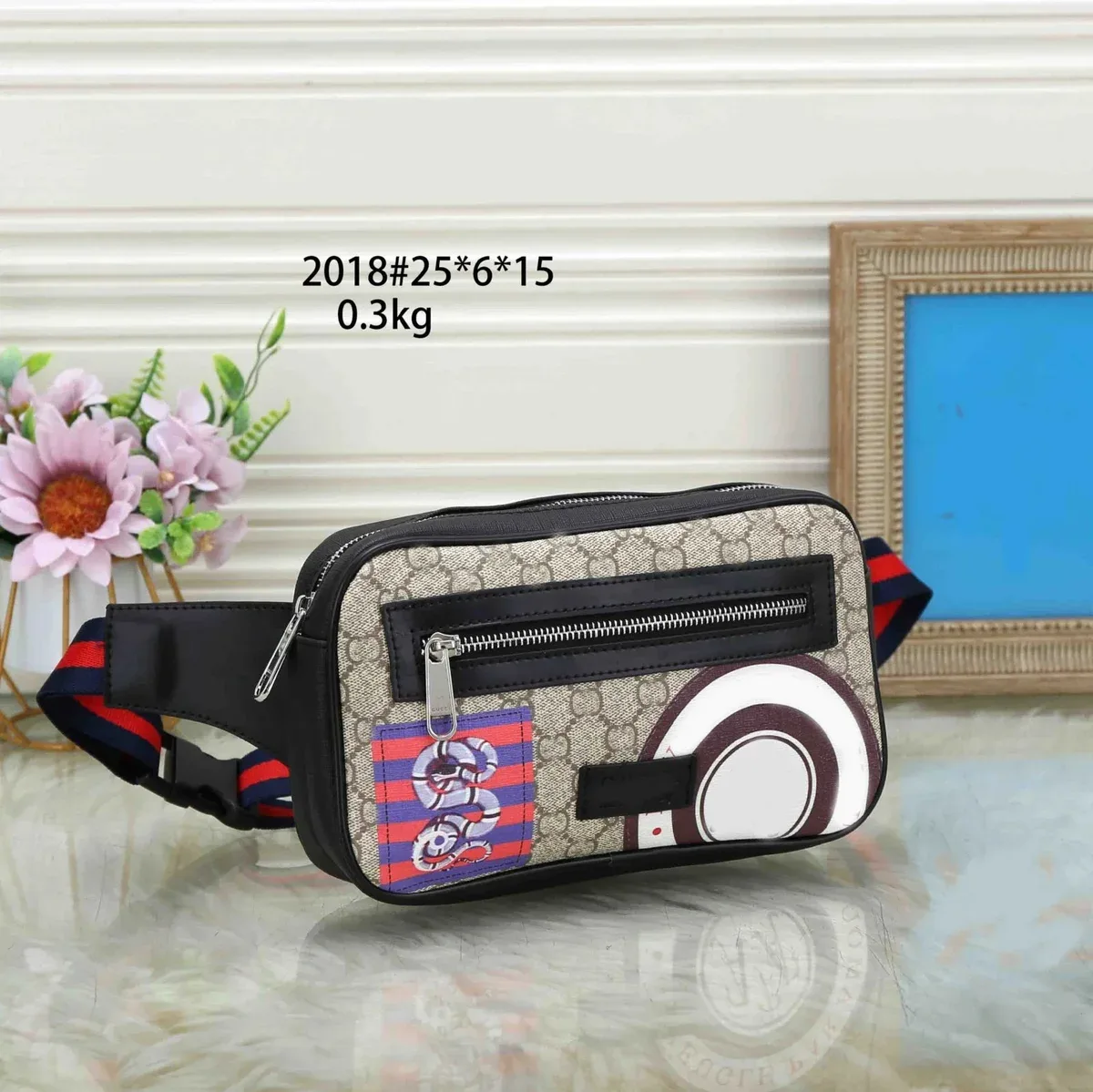
A different bag shape; check dimensions and strap measurements.

A front-pocket backpack with plaid accents; compare the dimensions and strap attachments.
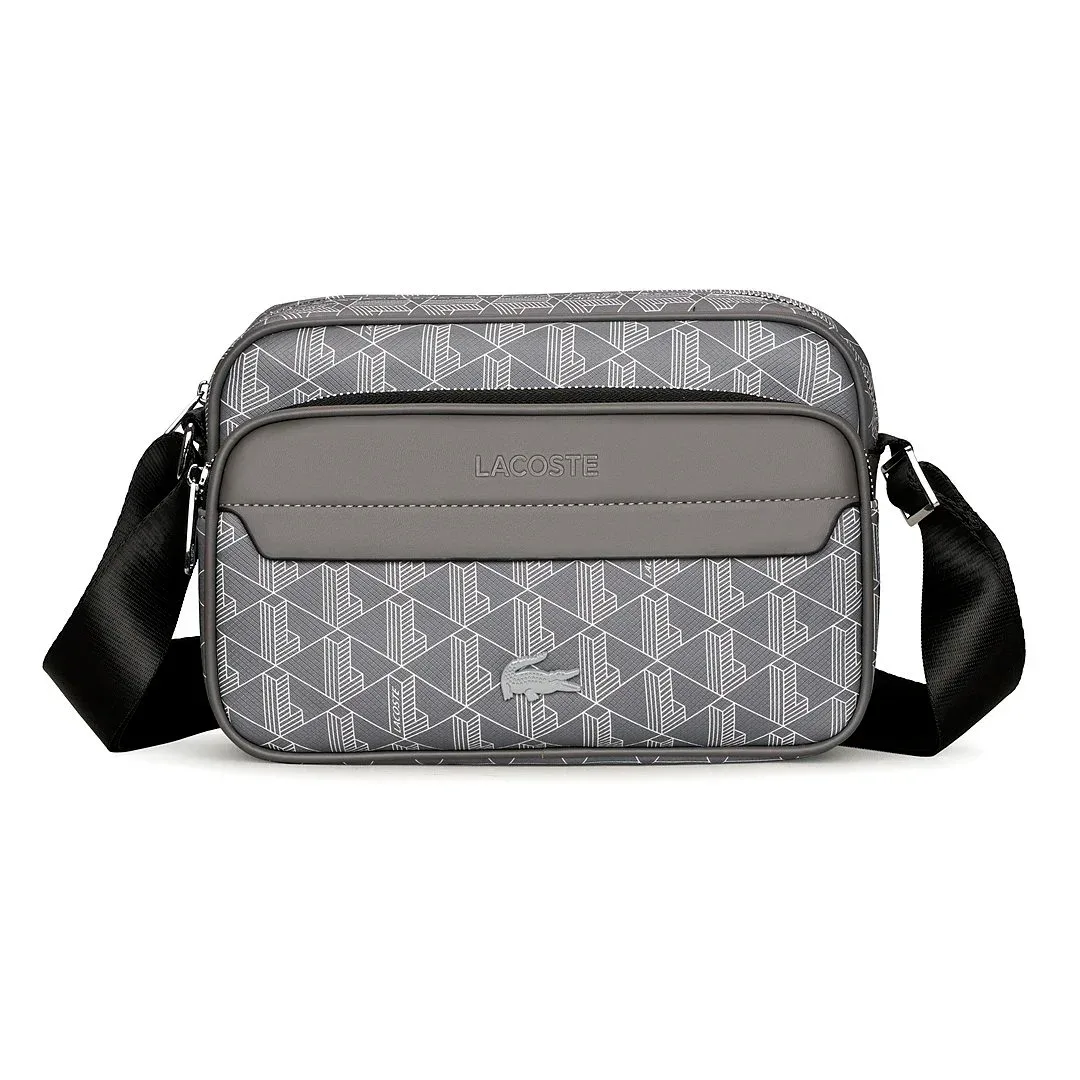
A different bag shape; check dimensions and strap measurements.

A different bag shape; check dimensions and strap measurements.

A different bag shape; check dimensions and strap measurements.
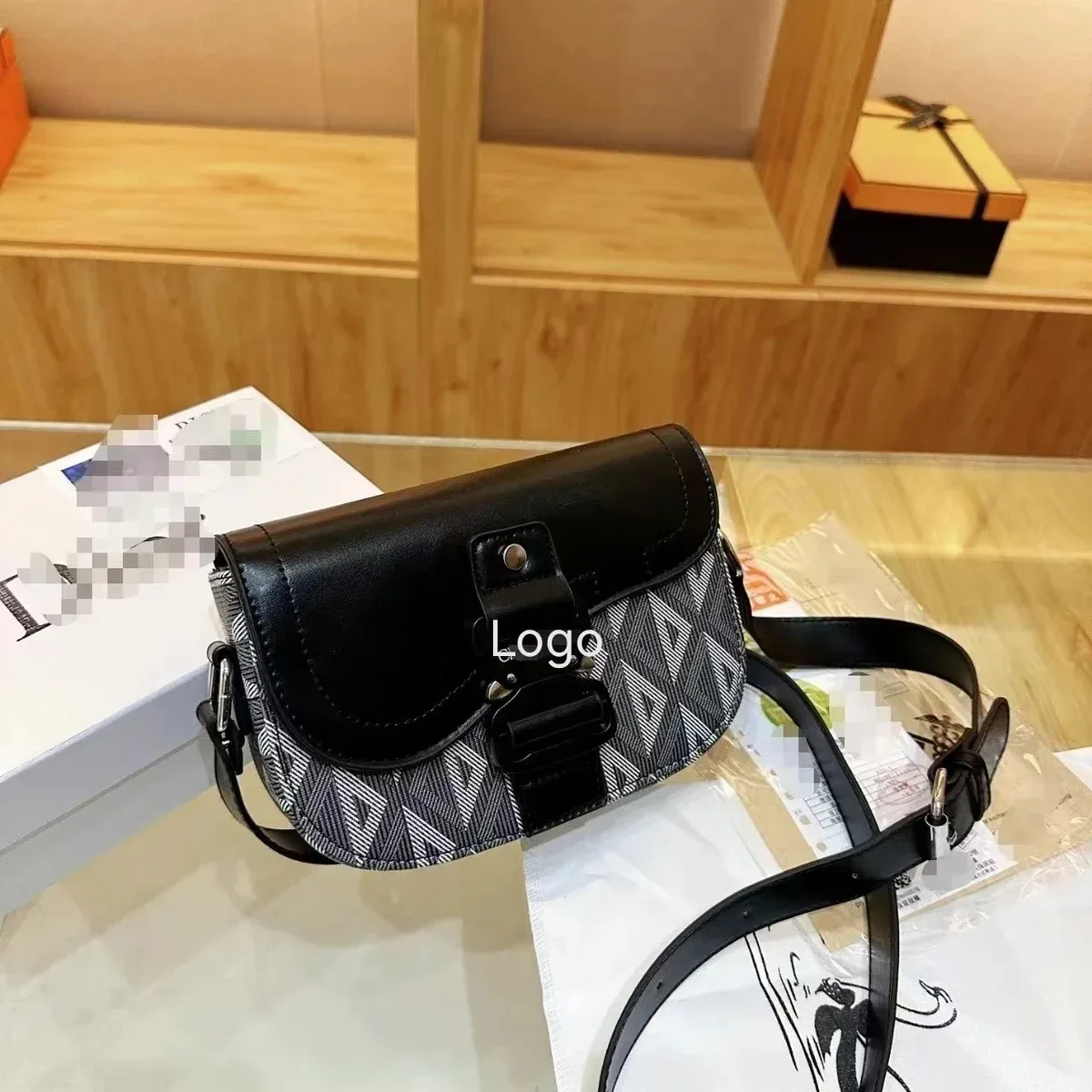
A different bag shape; check dimensions and strap measurements.

A different bag shape; check dimensions and strap measurements.

Compare the handles, opening and usable interior dimensions.

A plain tote shape with long handles offers an alternative to patterned backpacks.

A different bag shape; check dimensions and strap measurements.

Check the selected size and exactly which pieces are included.

A different bag shape; check dimensions and strap measurements.

A different bag shape; check dimensions and strap measurements.

A compact belt-detail shape; check the opening, strap length and listed measurements.
Catalog listing images, not photos of your order. Prices are item references; confirm the selected option, availability and delivery charges on the full listing.
Begin with your everyday essentials, then compare access, dimensions and carrying options. A useful shortlist is about more than the exterior shape.
Write down the items that must fit: a phone, wallet, bottle, book or a device in its case. Measure the largest one and compare with the bag's usable interior and opening, if supplied. Exterior width, height and depth describe the outside; they do not automatically tell you the size of a compartment or the opening through which an item must pass.
For a tote, look for handle drop and how the top closes. For a shoulder bag, check the strap length and its adjustment points. For a backpack, inspect the straps, back view and accessible pockets. Keep these measurements separate from the body dimensions. A styled photograph can suggest an outfit, but a different model's proportions cannot settle how the strap will sit on you.
Check the lining, compartments, pocket openings and fastening that matter to your routine. If a device is essential, ask about its compartment rather than relying on the bag's overall size or a casual capacity claim. The catalog images below introduce different shapes; inspect the actual selected option and any order-specific photos before drawing conclusions about its construction or condition.
A practical comparison checklist for bags & backpacks.
| When comparing | Look for | Why it helps |
|---|---|---|
| Backpack | Interior, opening and strap adjustment | Compare access to your everyday essentials |
| Tote | Handle drop, base and top fastening | Check how it is carried and closed |
| Bucket or shoulder bag | Opening shape and strap length | Compare compact carry options |
Check width, height and depth rather than judging capacity from a modeled photo.
Look for strap measurements, adjustment options and how the fastening opens.
Ask for an interior view if the compartments or lining matter to your choice.
Useful answers before you open another listing.
Check the opening and usable interior dimensions as well. Exterior size alone may not answer the fit question.
It describes the vertical distance from the top of a bag to the top of its handle when measured as specified. Check the listing's diagram; it is separate from the bag's height or the full strap length.
No. Read the description for the selected option and ask for relevant dimensions or supporting information. Appearance alone does not establish material composition or a tested capacity.
Distinguish access problems from unavailable options, verify replacements and save the product identity.
Boonbuy Product Link Troubleshooting Before shippingIdentify the photo source, check your selected option and decide what extra information to request.
Boonbuy QC Photo Checklist Costs & deliveryRecord the charges, prepare parcel measurements and compare shipping estimates on the same basis.
Boonbuy Shipping Cost GuideOpen the full range and investigate the options that suit you.